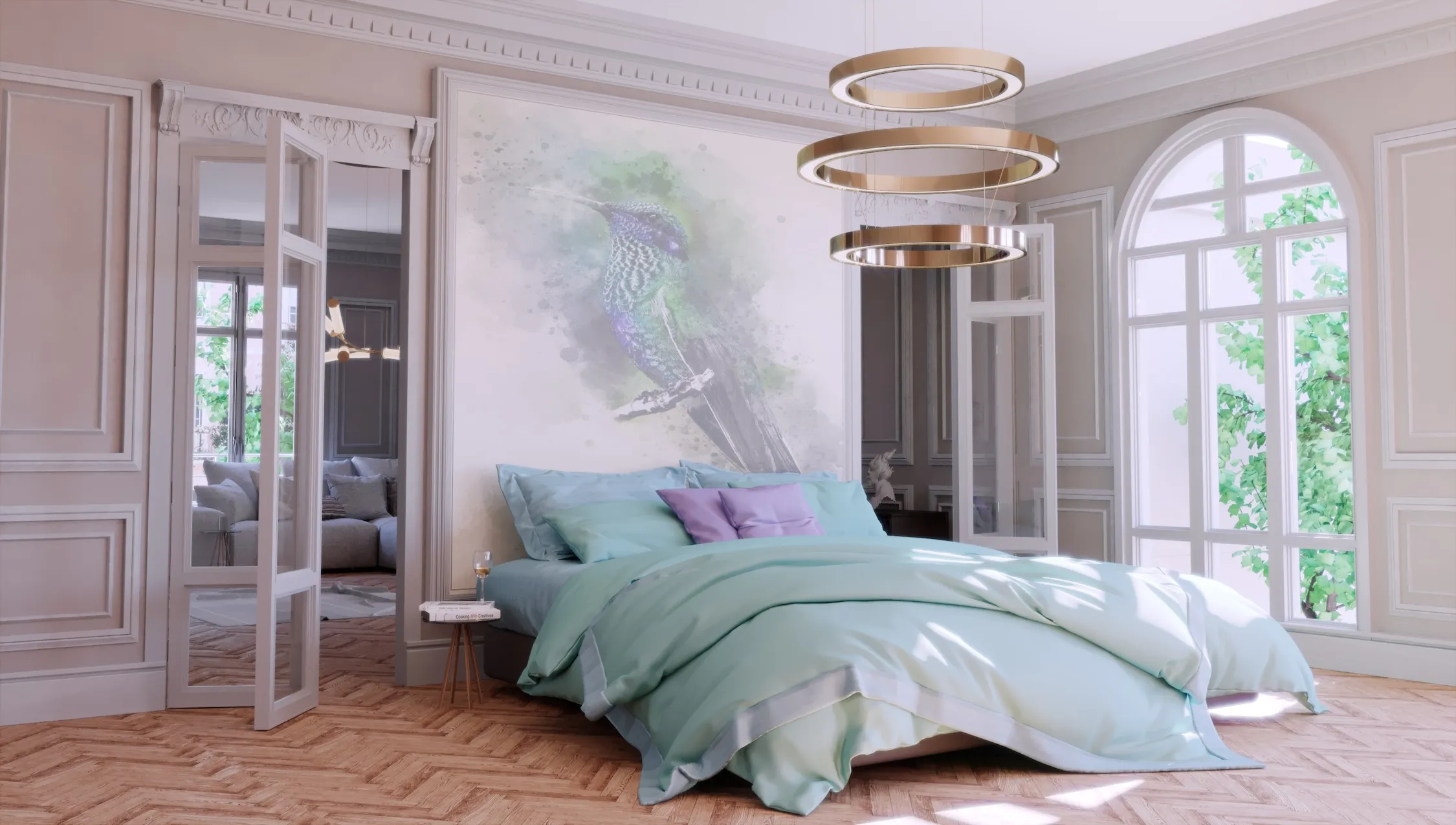
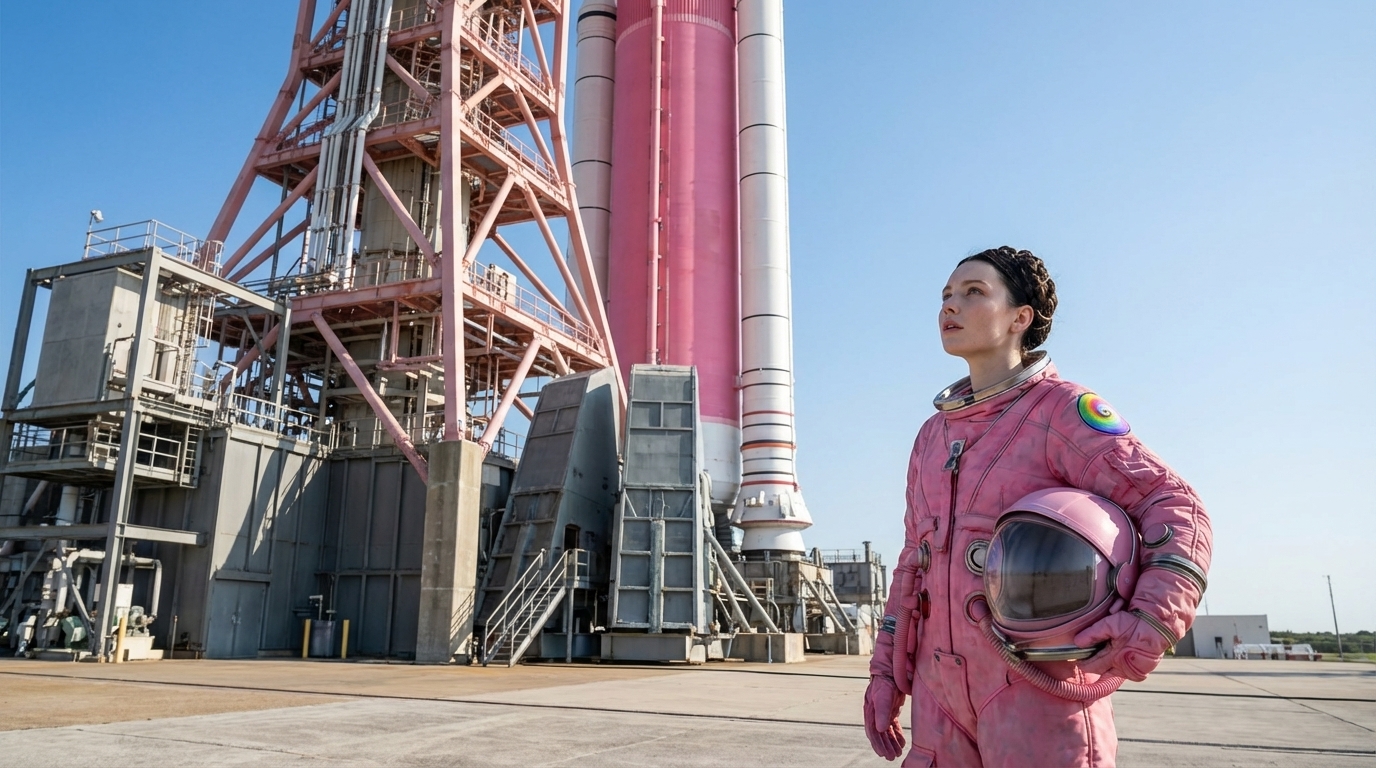
Build the world
Create the visual environment before the user arrives.
- CGI imagery
- Cinemagraph loops
- Spatial storytelling
Choose a route below. The page becomes four different experiences depending on the audience intent: explore, explain, feel or guide.
Each option reveals a different page below.
For property developers, destinations, venues and product brands that need people to understand a place or offer visually before they make contact.
This route uses premium imagery first, then layers in interaction, local intelligence and conversation.
Create the visual environment before the user arrives.
Let people move through the experience with clarity and intent.
Support exploration with useful information and conversational guidance.

The visual does the emotional work. The interface then helps the buyer explore availability, the location, specifications and questions without waiting for a sales call.
Use this route when the offer becomes more valuable once people can see, explore and understand it.
For developments, venues, destinations and products that need to be explored visually.
Start an Explore project →For specialist services, technology, platforms and propositions that need better structure, better explanation and stronger visibility in search and AI answers.
 Interactive explainer journey
This route turns dense information into a visual story with clear pathways, answer ready content and a stronger next step.
Organise the proposition around what the audience actually needs to understand.
Use motion, visual metaphors and structured sections to simplify the explanation.
Shape the content so humans, search engines and AI systems can understand it.

Instead of pushing users through a long static page, the experience reveals the right level of detail at the right moment.
Use this route when your value is real, but the audience needs help understanding it.
For companies that need clearer messaging, stronger search visibility and a better conversion journey.
Start an Explain project →For campaigns, launches and brands that need cinematic emotion, a visual identity, character, sound and atmosphere before the user reads the detail.
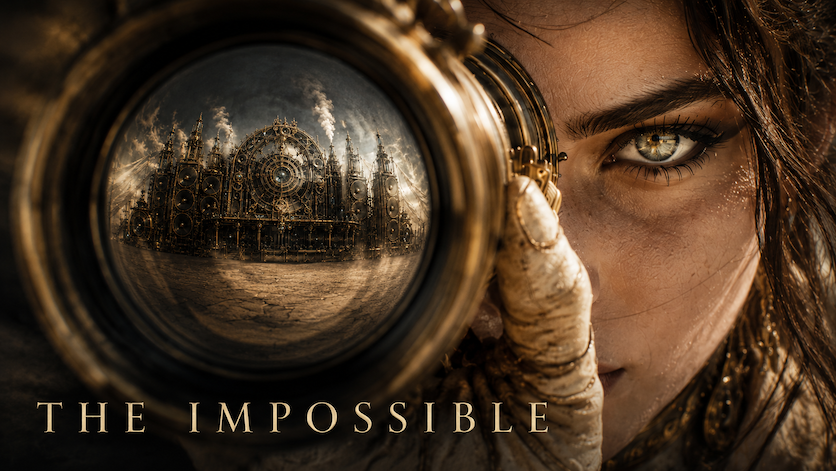 Cinematic campaign world
This route makes the digital page behave like a launch film, a campaign world and a conversion journey in one.
Define the atmosphere, visual language and cinematic promise.
Let the campaign continue across web, social, audio and character layers.
Use story and spectacle to lead the audience towards enquiry or launch momentum.
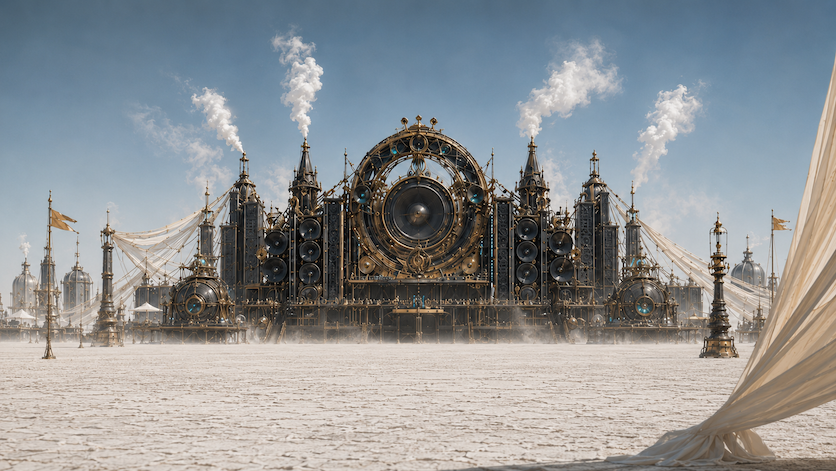
Hero film, atmospheric imagery, audio direction and editorial page design combine to create a launch experience with emotional pull.
Use this route when memorability, image and brand feeling are central to the outcome.
For brands, campaigns and launches that need to be felt, not just explained.
Start a Feel project →For venues, service providers, developers and learning teams that need users to ask, decide, practise or get support in their own words.
 Conversational guidance layer
This route builds the experience around questions, choices, approved knowledge and conversational guidance.
Turn approved information into a reliable system the user can question.
Place the agent inside a journey that feels useful, not bolted on.
Help people navigate venues, services, learning content or decisions.
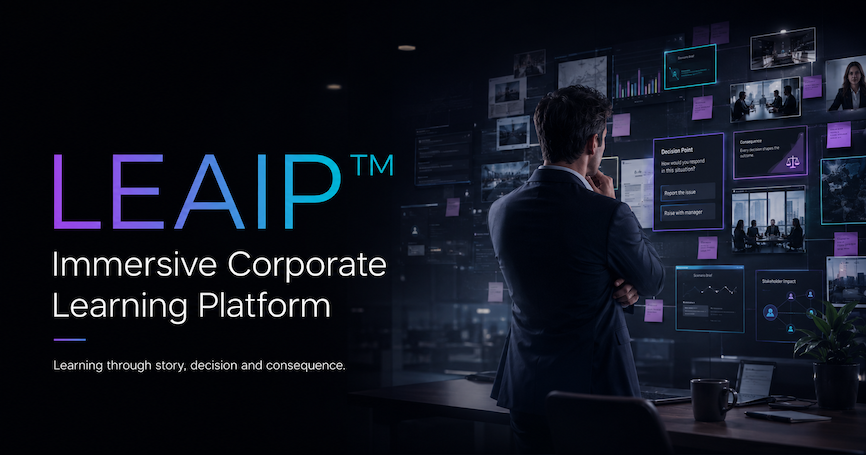
Conversation, voice, prompts, scenarios and approved information can help people get to the answer or decision they need.
Use this route when users need support, access information, learning or decisions rather than passive content.
For organisations that need answers, accessibility, training or buyer support built into the digital journey.
Start a Guide project →The final page is shaped around the audience route: visual exploration, clear explanation, cinematic feeling or intelligent guidance.
Define what the user needs to understand, feel, ask or decide.
Shape the narrative structure, page rhythm and moments of reveal.
Build the image language with CGI, video, motion and atmosphere.
Add guided choices, conversational layers and useful pathways.
Deliver a polished digital experience that can evolve after go live.